
Screenshots
Every screen in the app, straight from a running copy — 15 of them. Nothing mocked up.
Plan the day
Give every task a start time, an end time and a place to live.
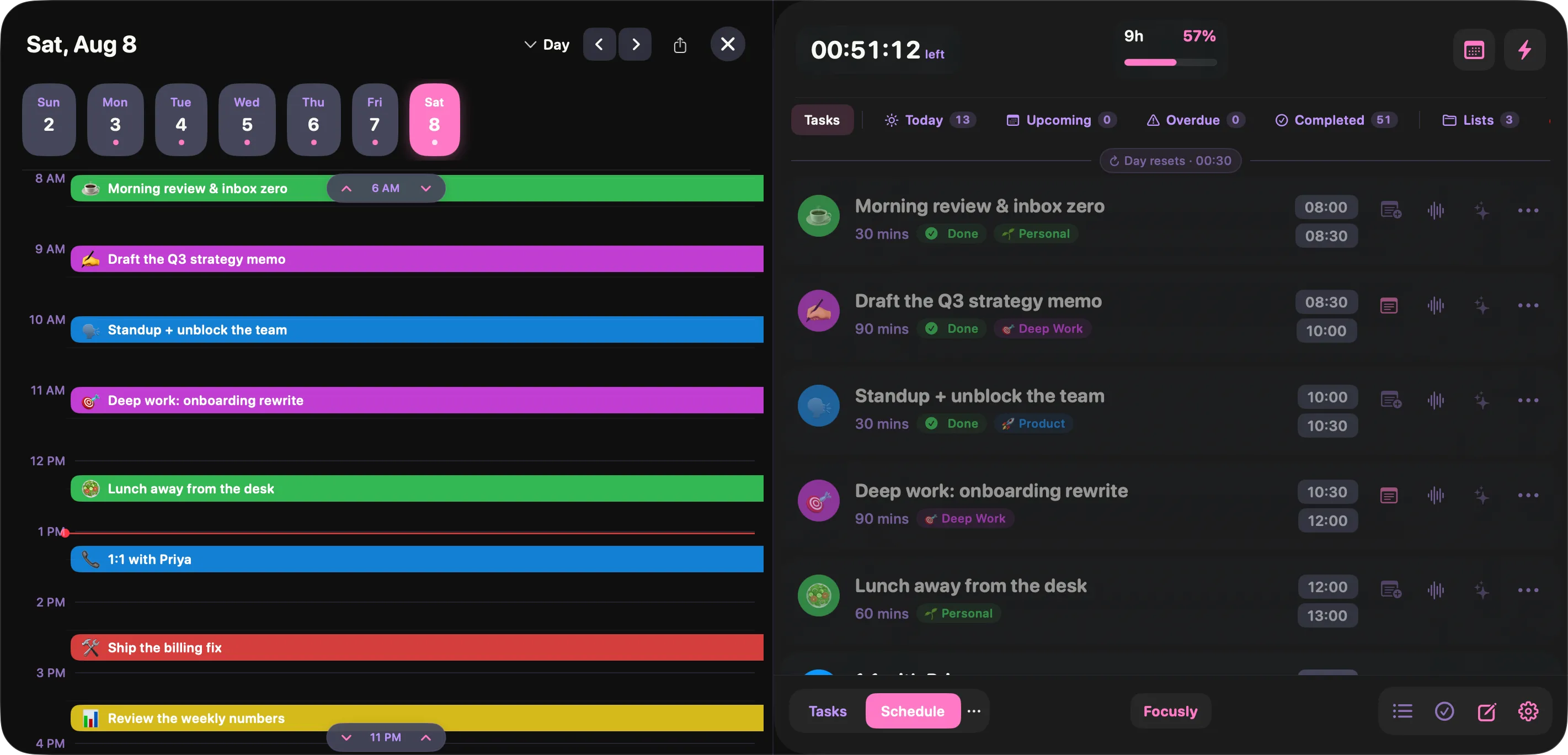
The day, side by side
A draggable timeline on the left, your task list on the right. Move a block and the plan updates — no separate calendar to keep in step.
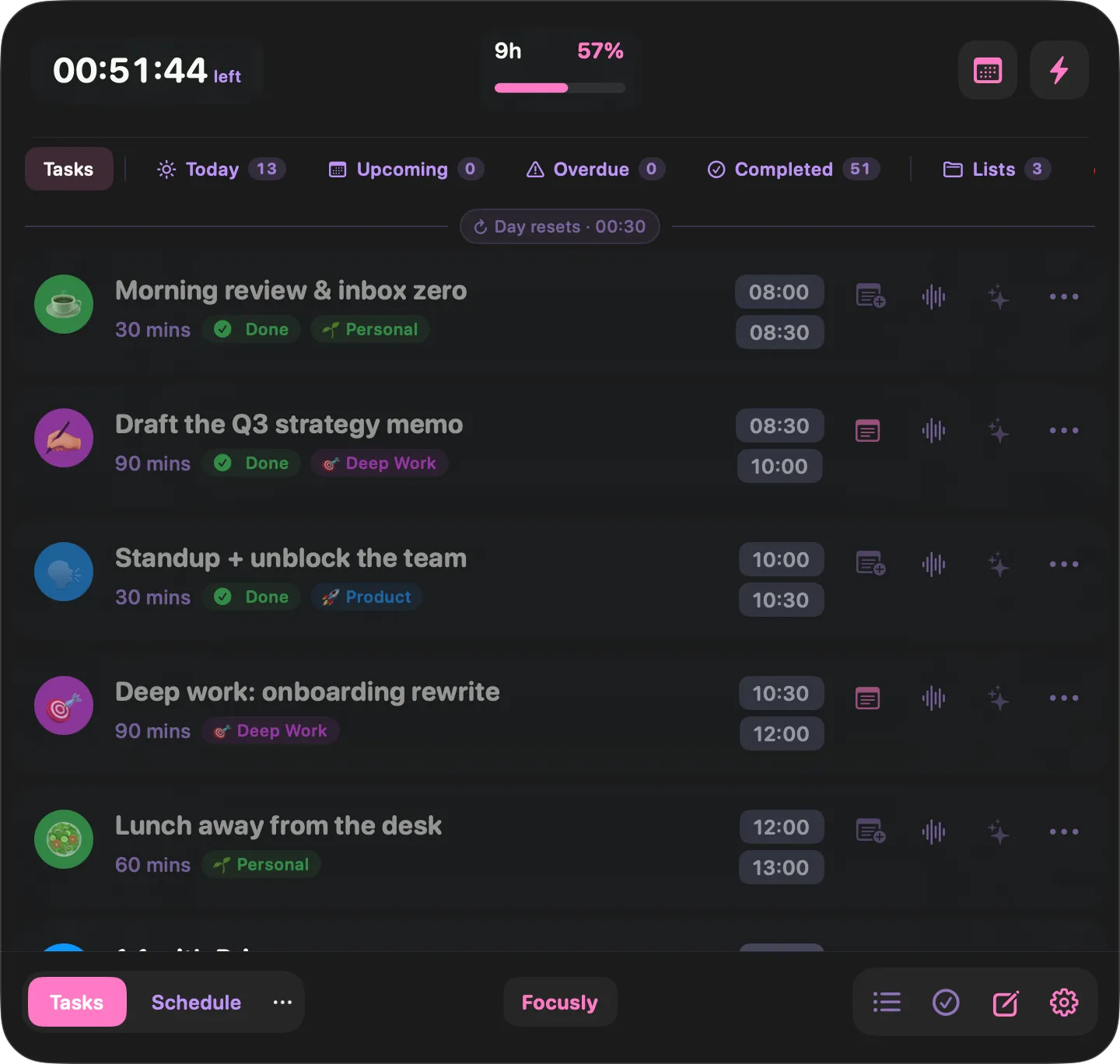
Today at a glance
Every block for today with its duration, list and start time. Completed blocks stay visible so you can see the day filling up.
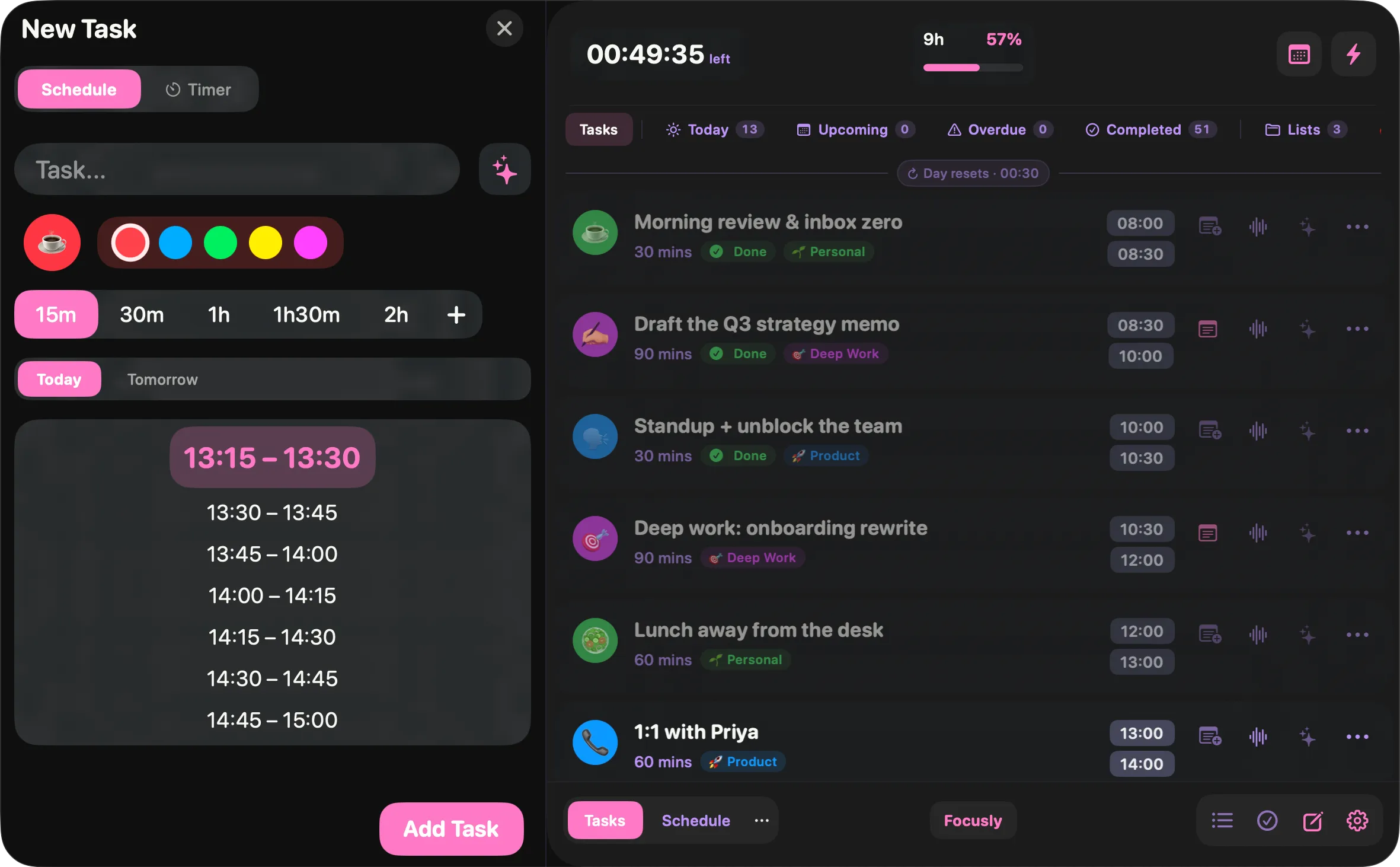
A block takes five seconds
Emoji, colour, duration, slot. The time picker offers the next free slots so you are not doing arithmetic in your head.
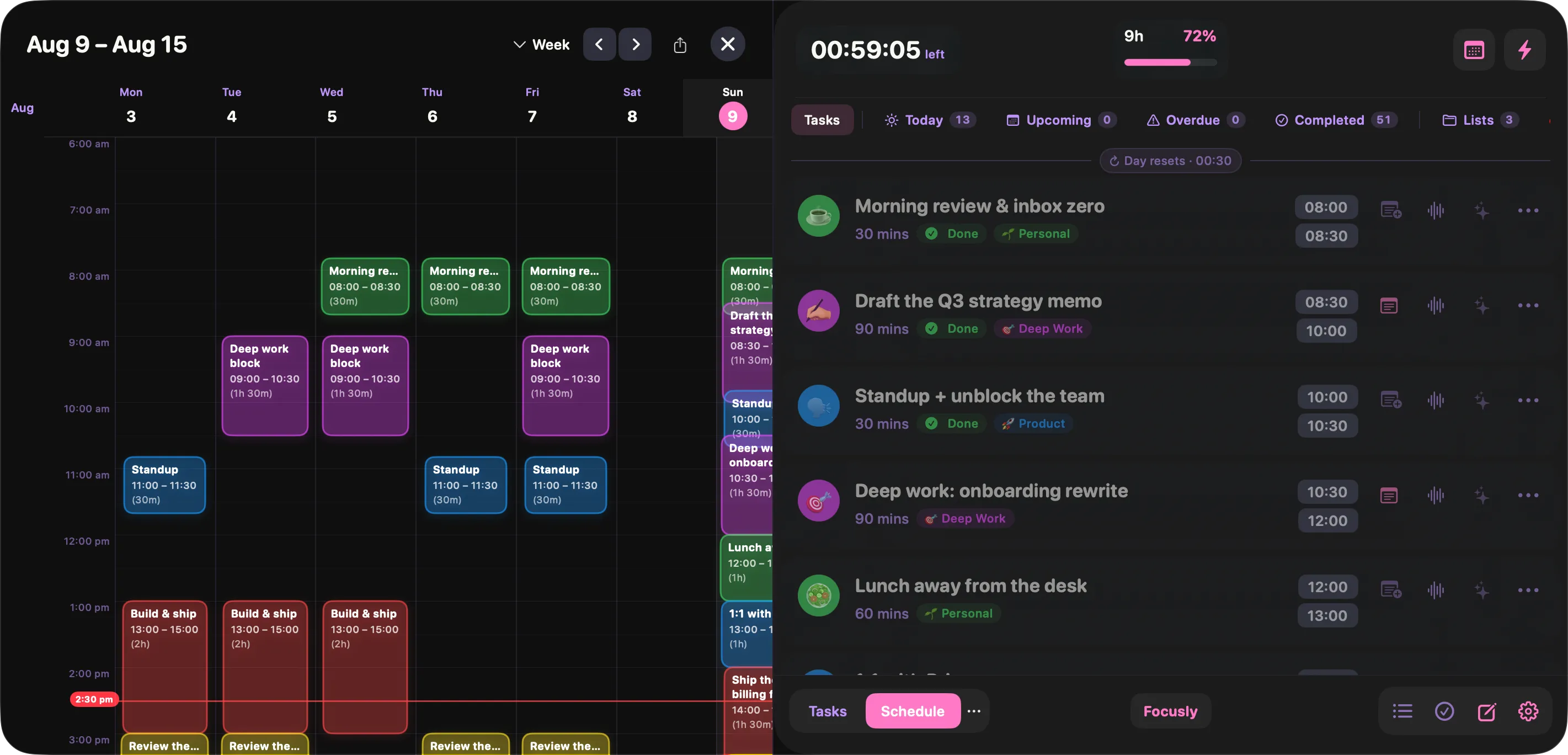
A whole week at once
Zoom out to seven days when you are planning ahead, or dropping a recurring block into the same slot every day.
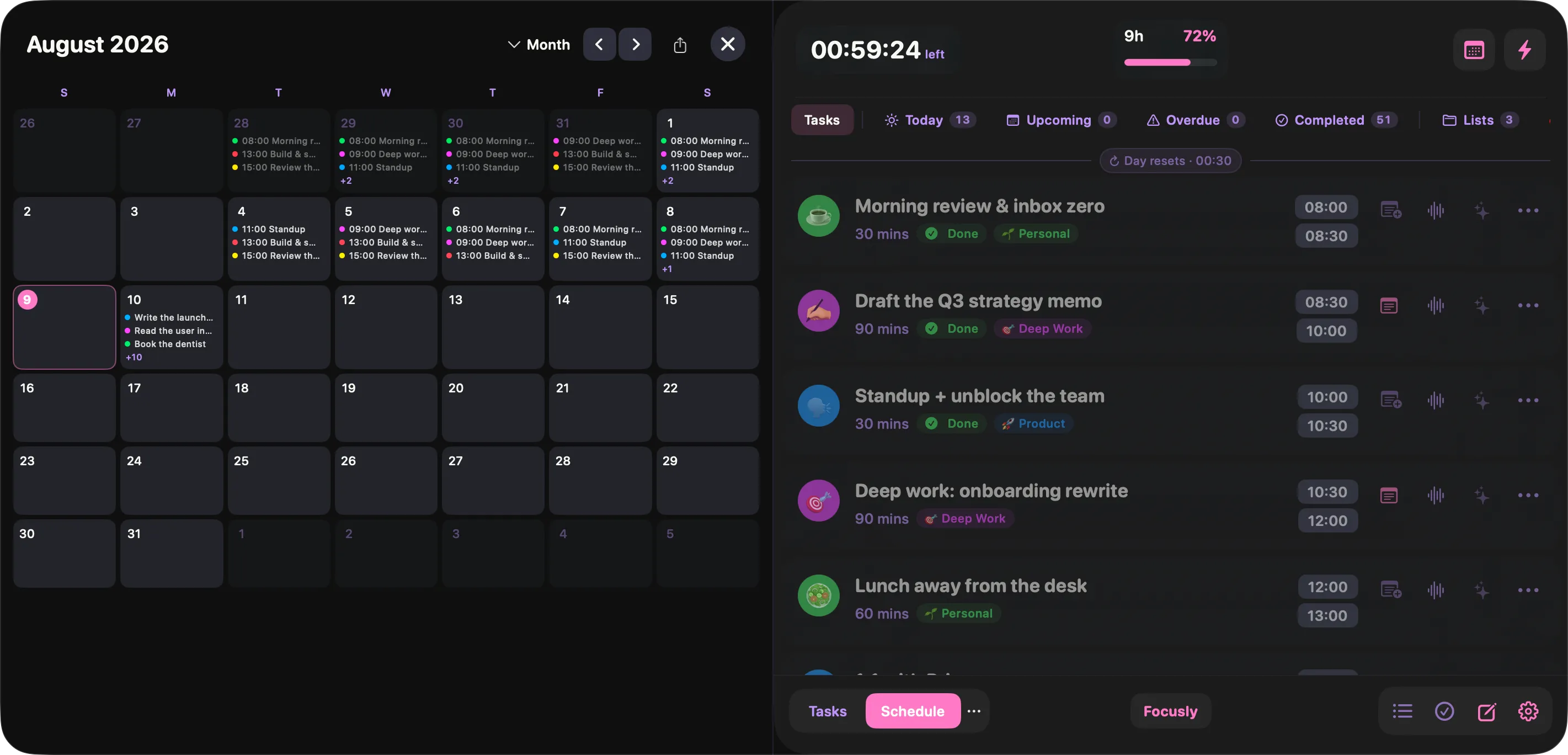
The month, for the long view
See which days are already committed before you promise anything. Each day shows its blocks in miniature.
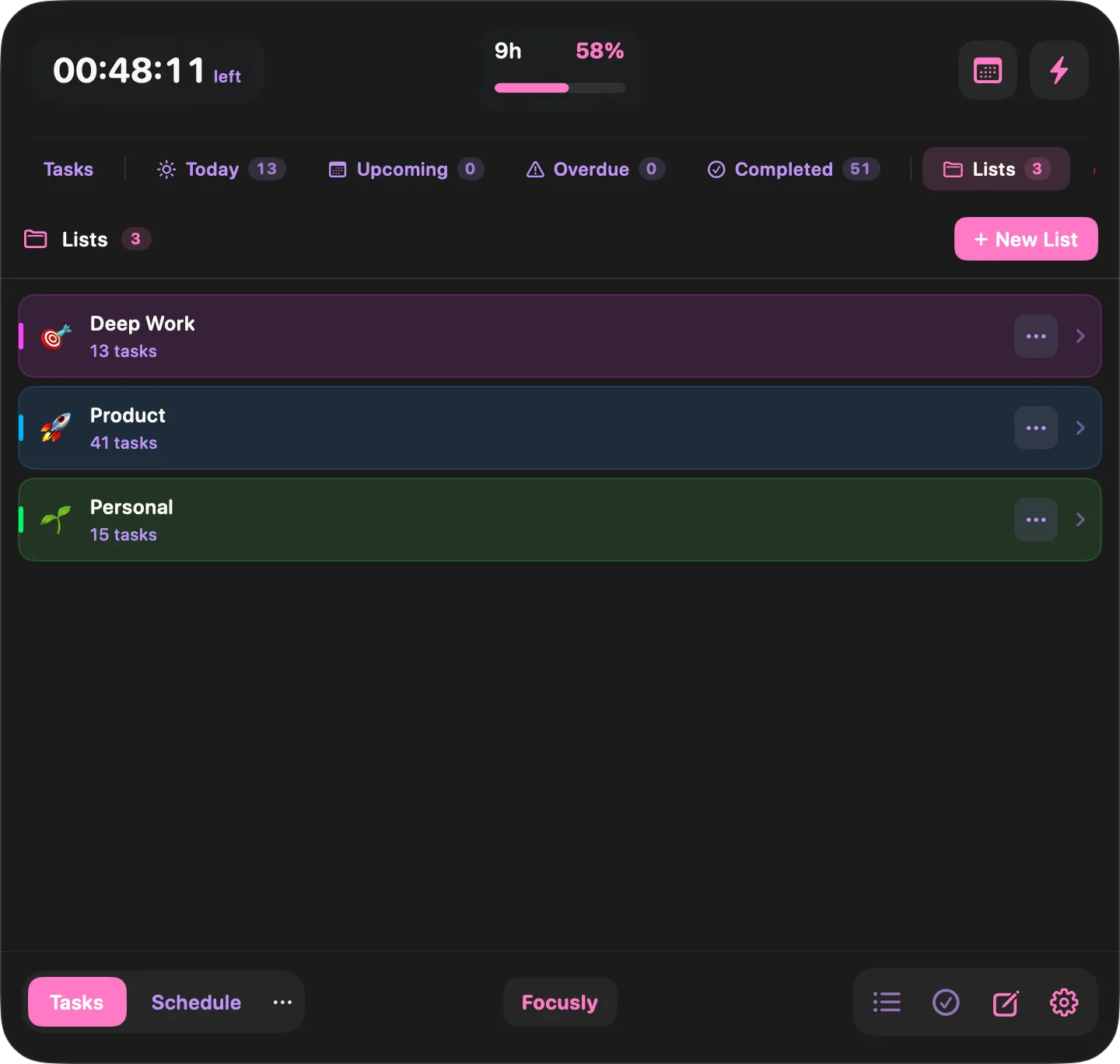
Lists keep projects apart
Deep work, product, personal — each with its own colour and count, so you can filter the day down to one thread.
Stay in the block
Small nudges that keep the plan honest once the day starts moving.
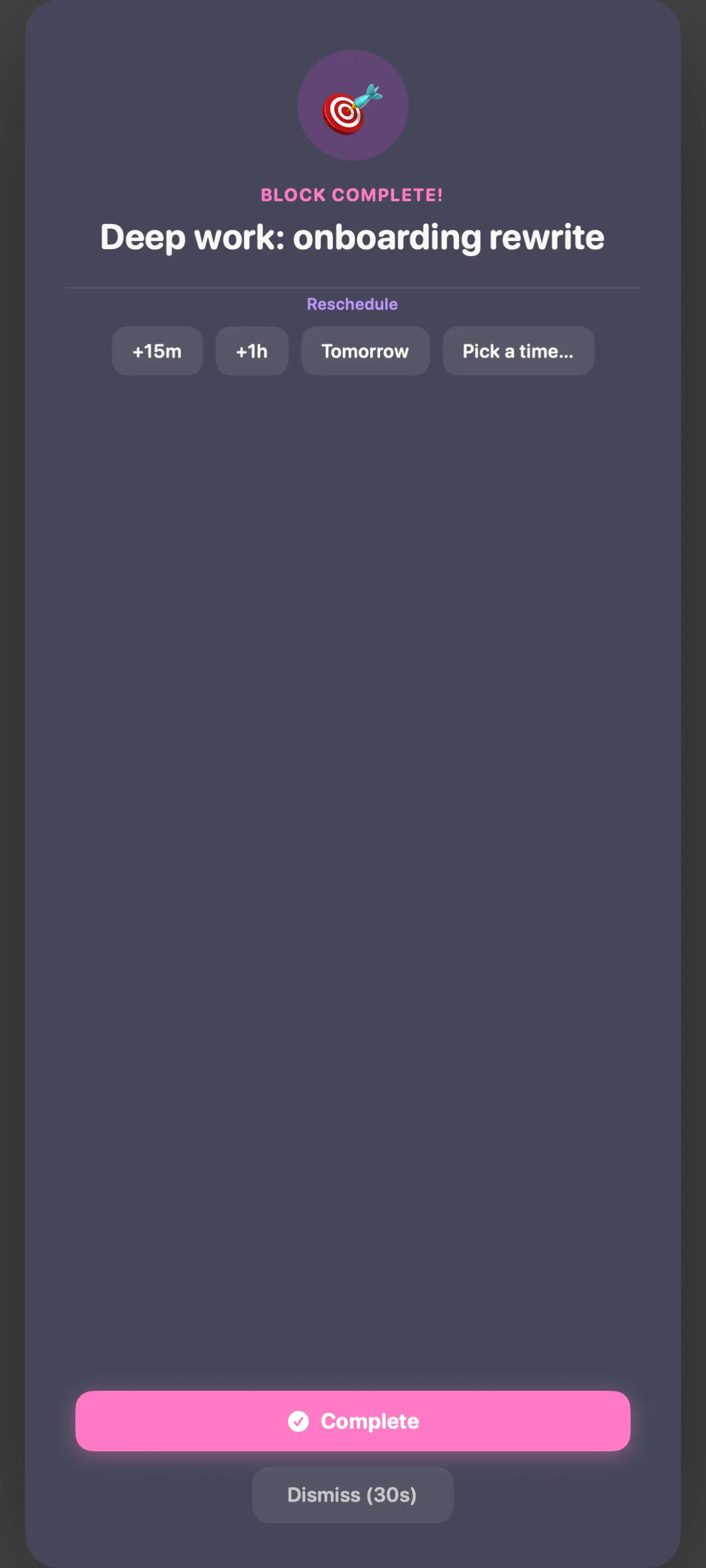
A nudge when the block ends
Focusly puts this in front of you the moment a block runs out. Mark it complete, or push it 15 minutes, an hour, or to tomorrow — without opening anything.
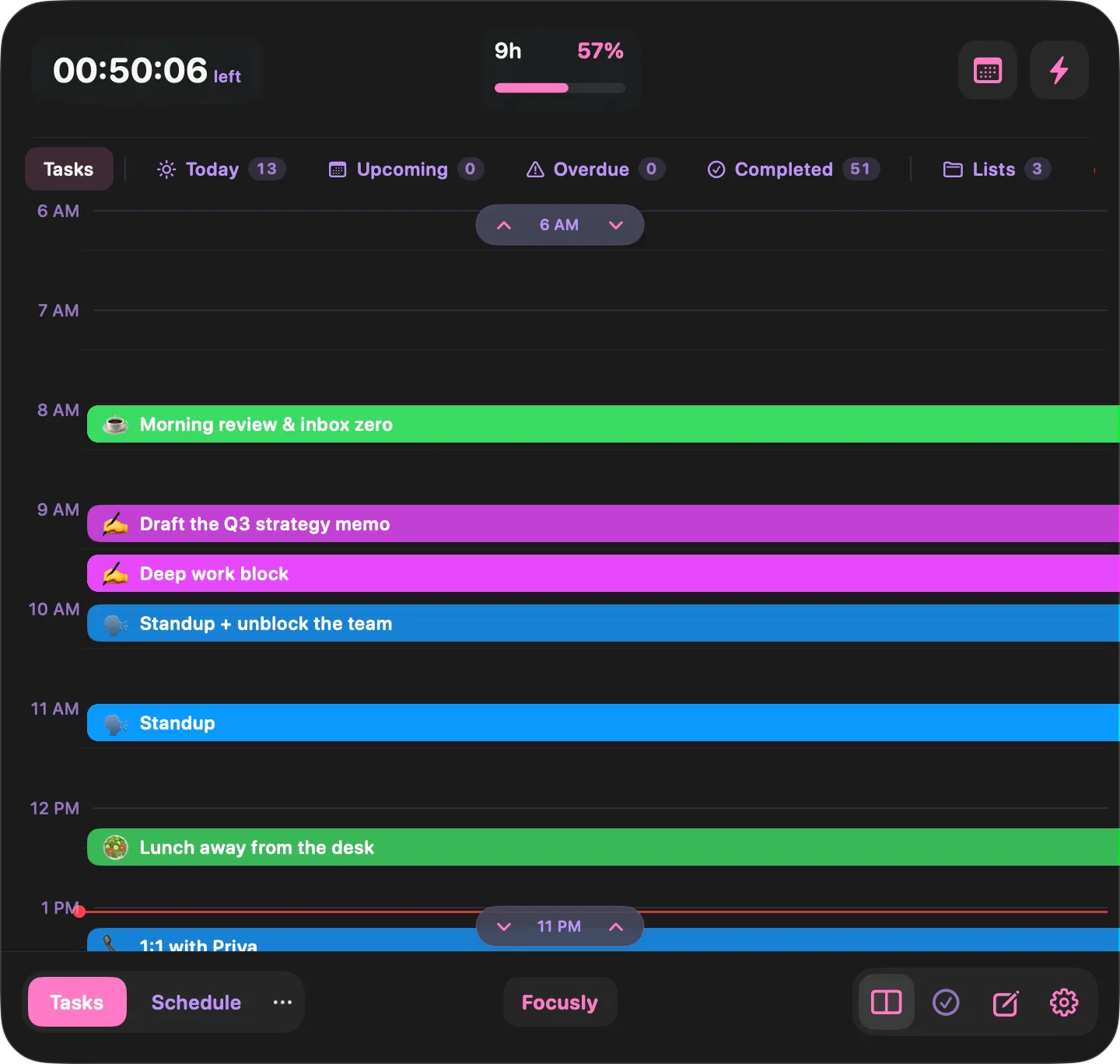
The timeline, compact
The same day grid inside the narrow drawer, with a live marker on the current time. Good for a quick glance mid-task.
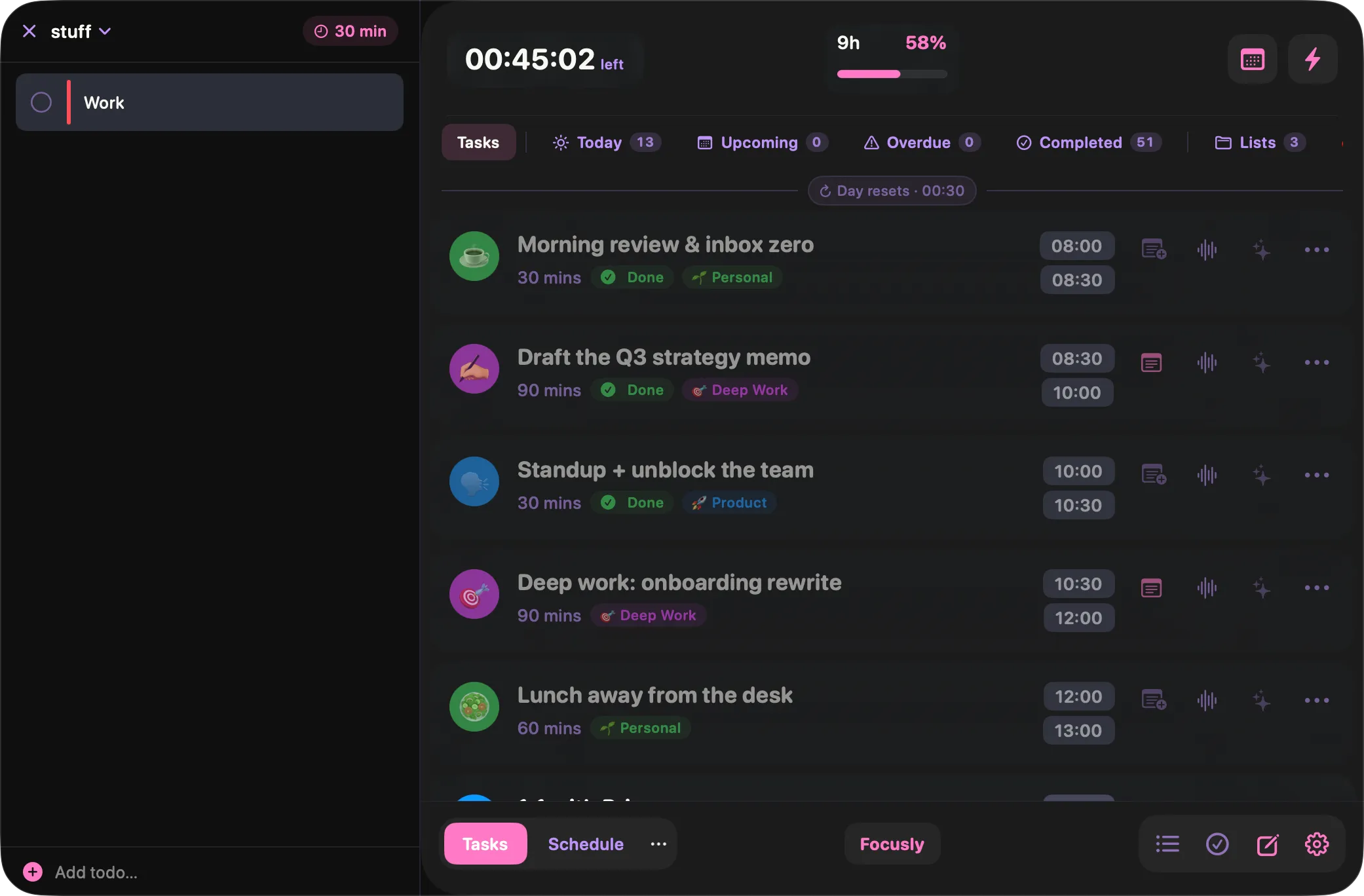
Loose ends, parked
Things that need doing but not scheduling. Keep them out of the day until you are ready to give them a slot.
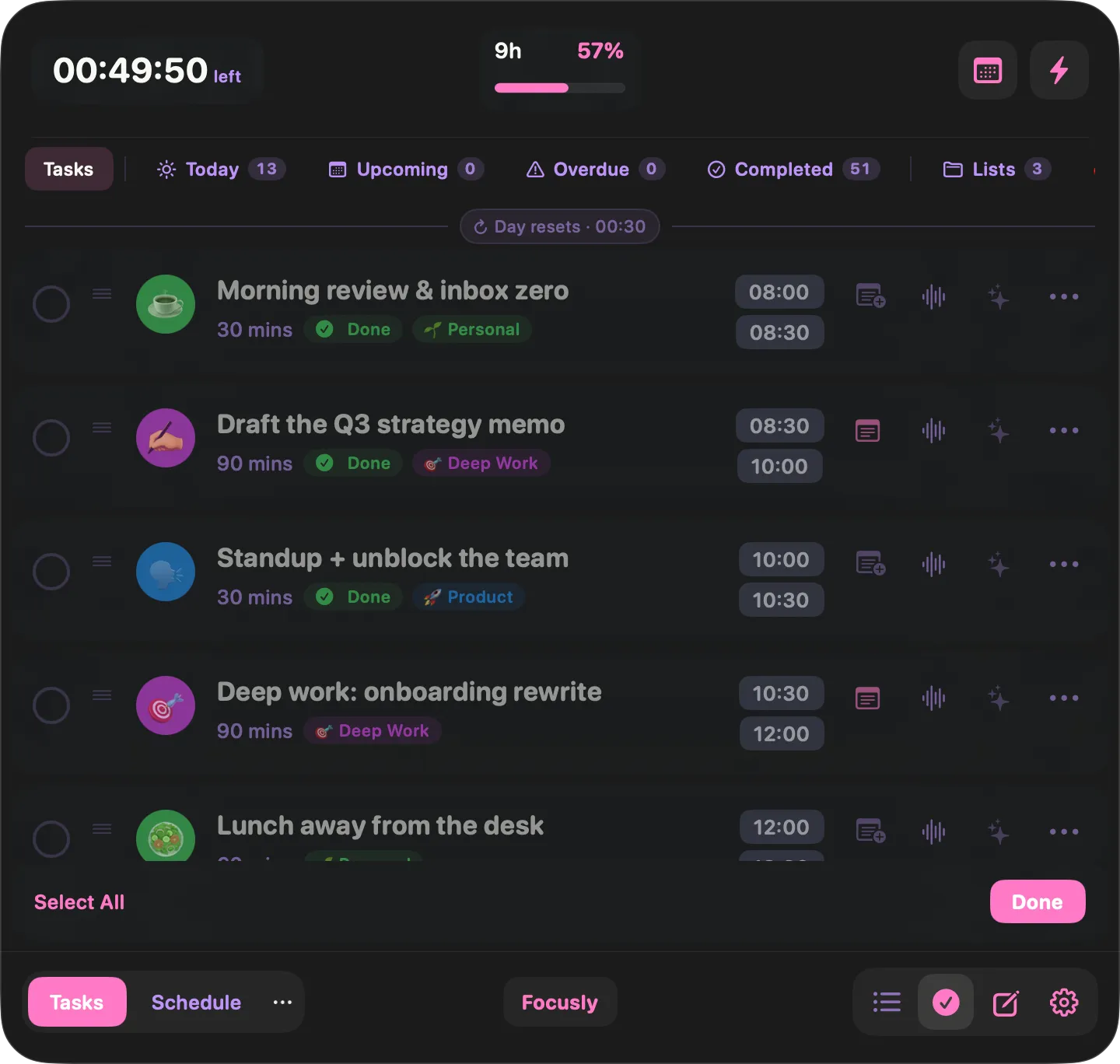
Reschedule in bulk
When a morning gets eaten, select the blocks that did not happen and move, complete or clear them in one go.
See what happened
Planned versus done, so next week’s plan is grounded in something real.
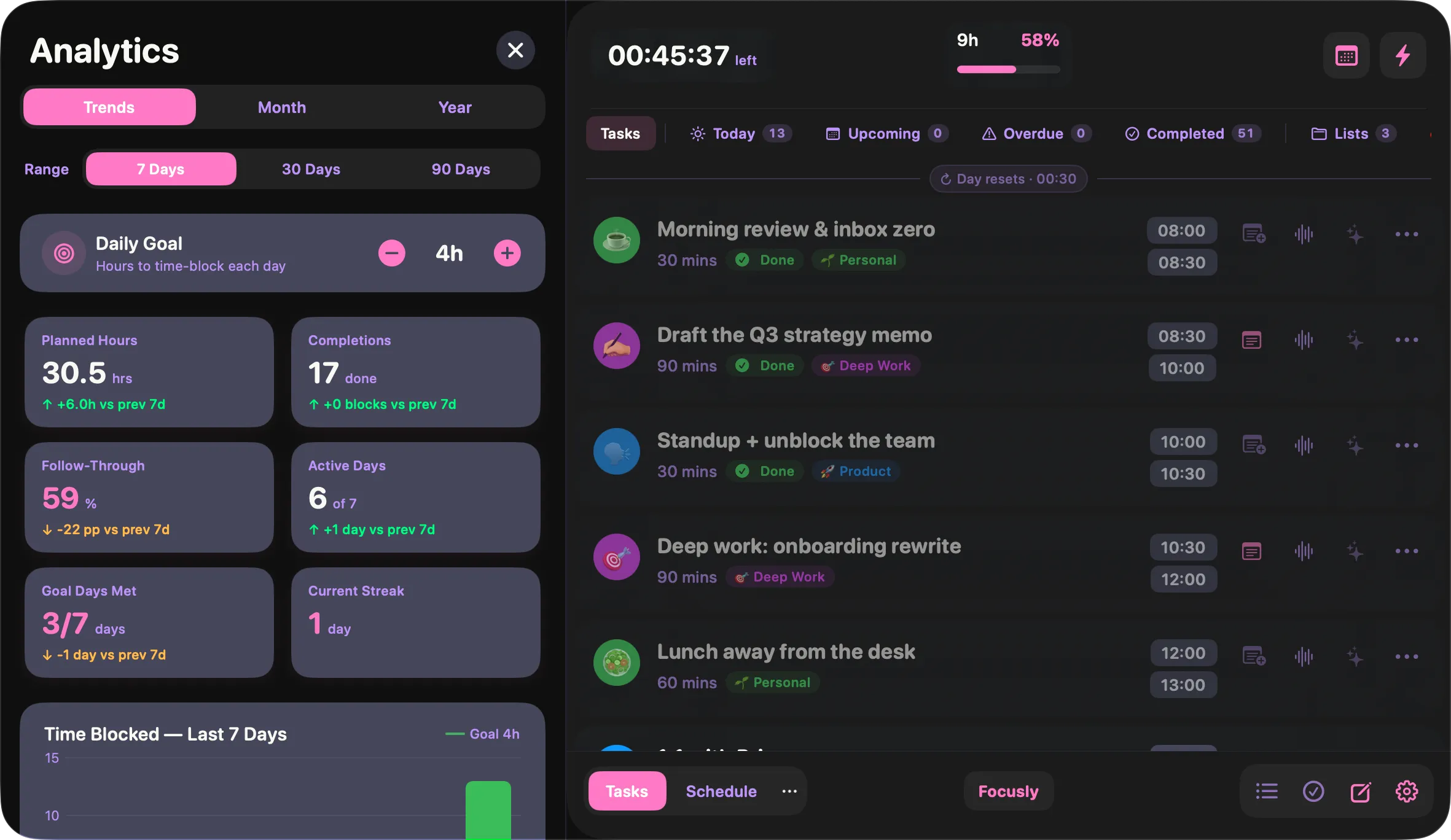
Where the hours actually went
Planned against completed, follow-through rate, active days, current streak and best day — over 7, 30 or 90 days.
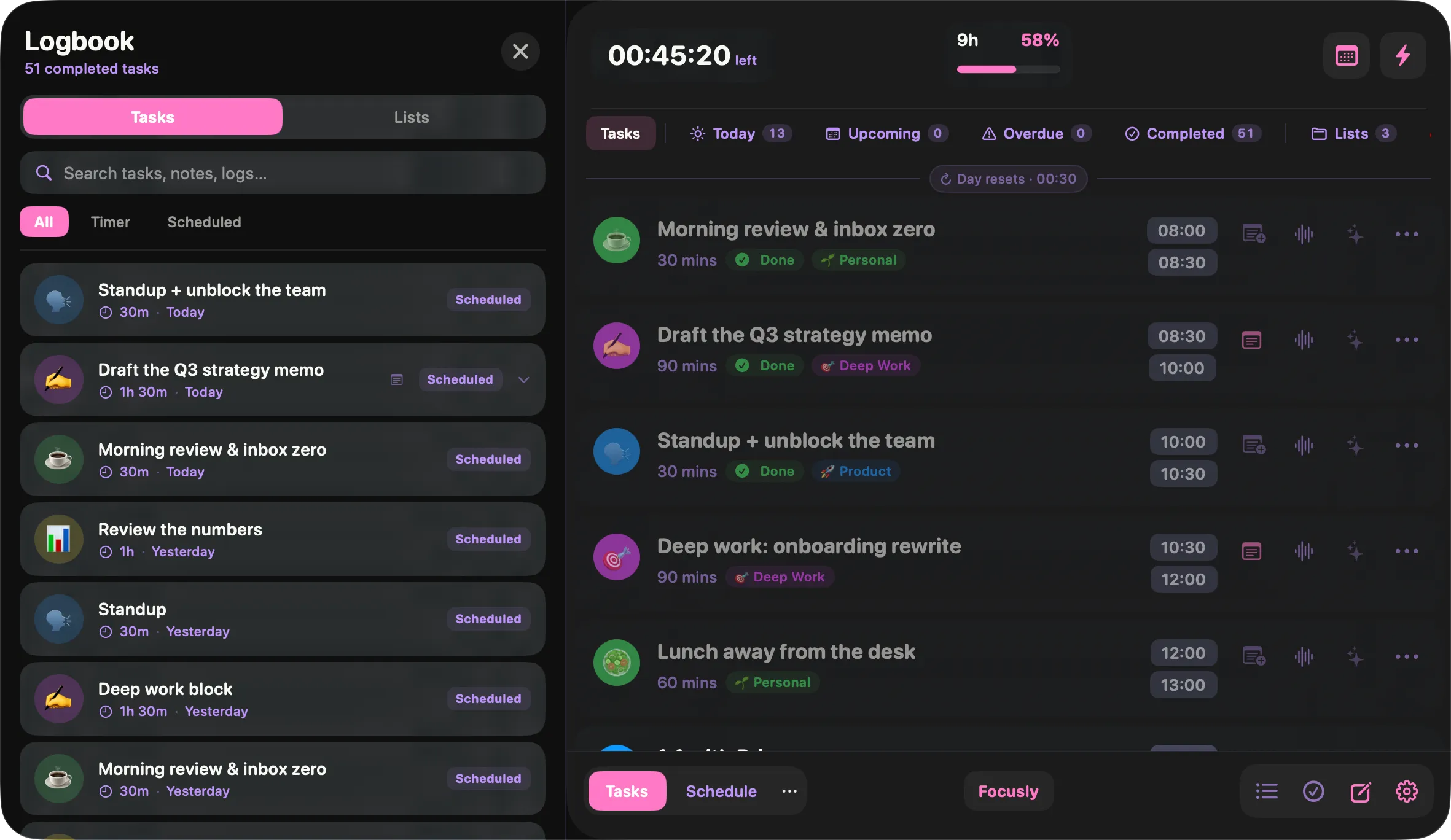
Every finished block, searchable
A running record of what you actually got done, searchable by task, note or list. Useful when someone asks what you did last week.
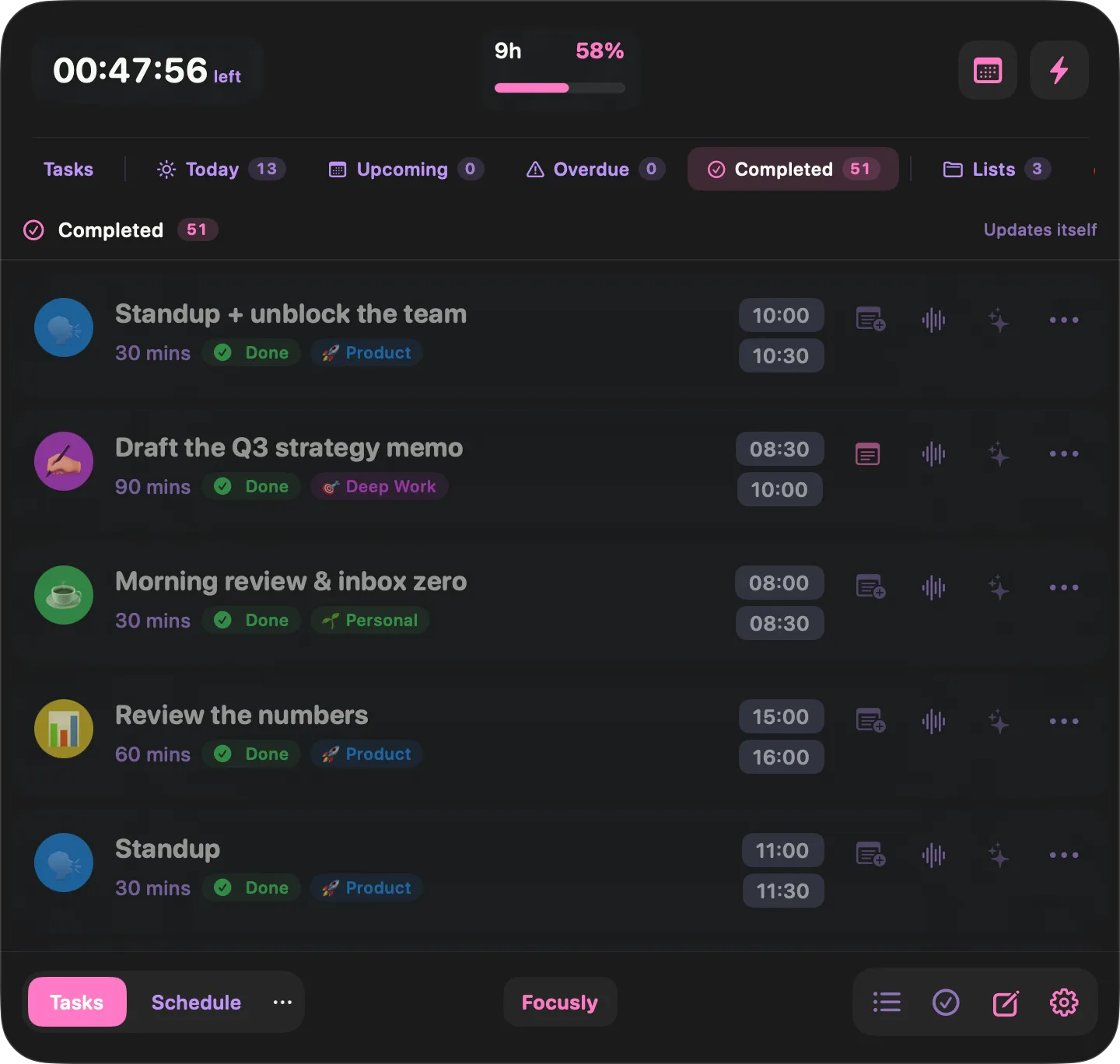
Completed, on its own
A smart list of everything you have finished, alongside Today, Upcoming and Overdue.
Sync and setup
Across your Macs, through your own iCloud, with nothing in the middle.
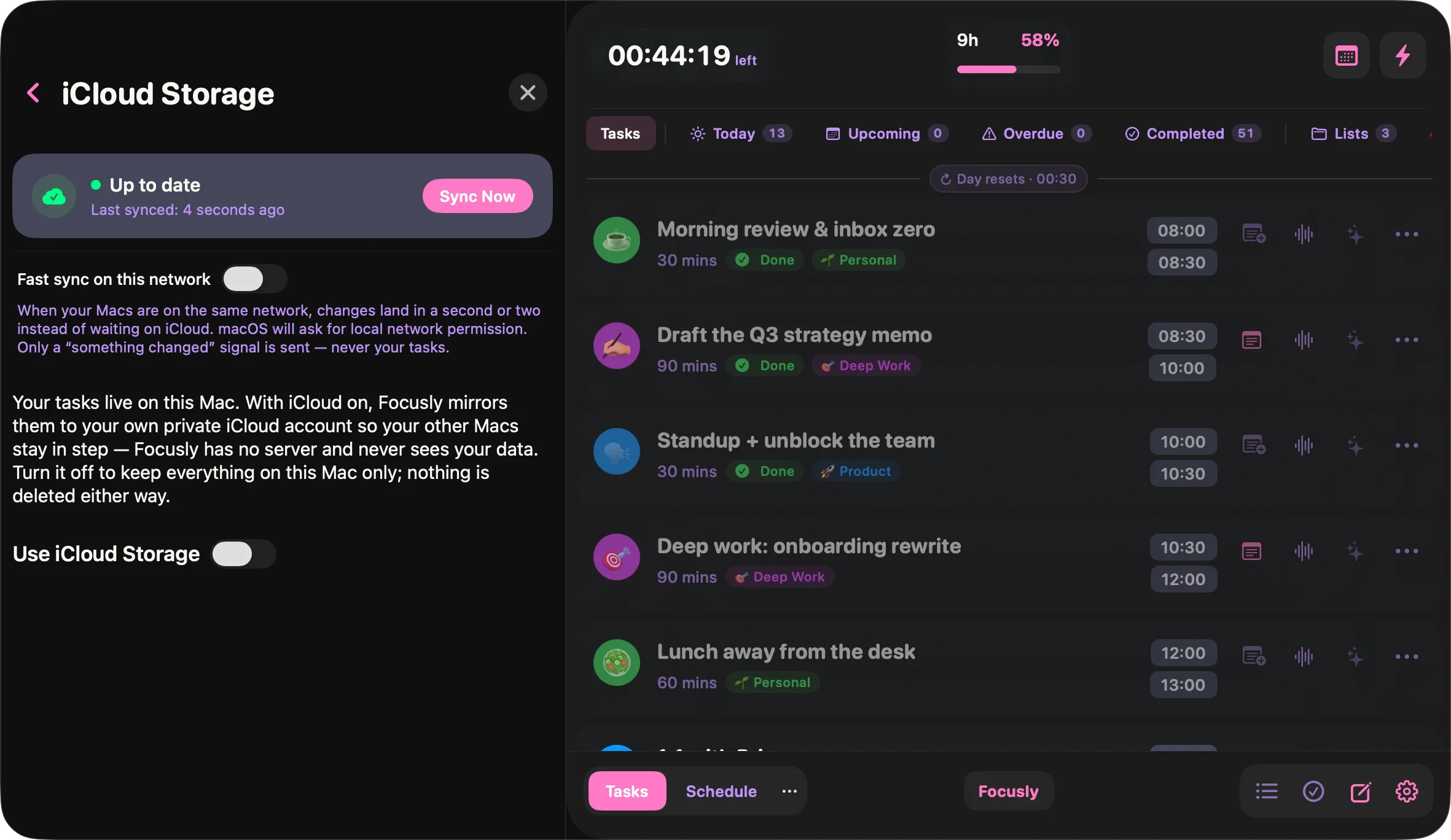
Your Macs, in step
Sync runs through your own iCloud account. There is no Focusly server and no vendor database — turn it off and everything stays on one Mac.
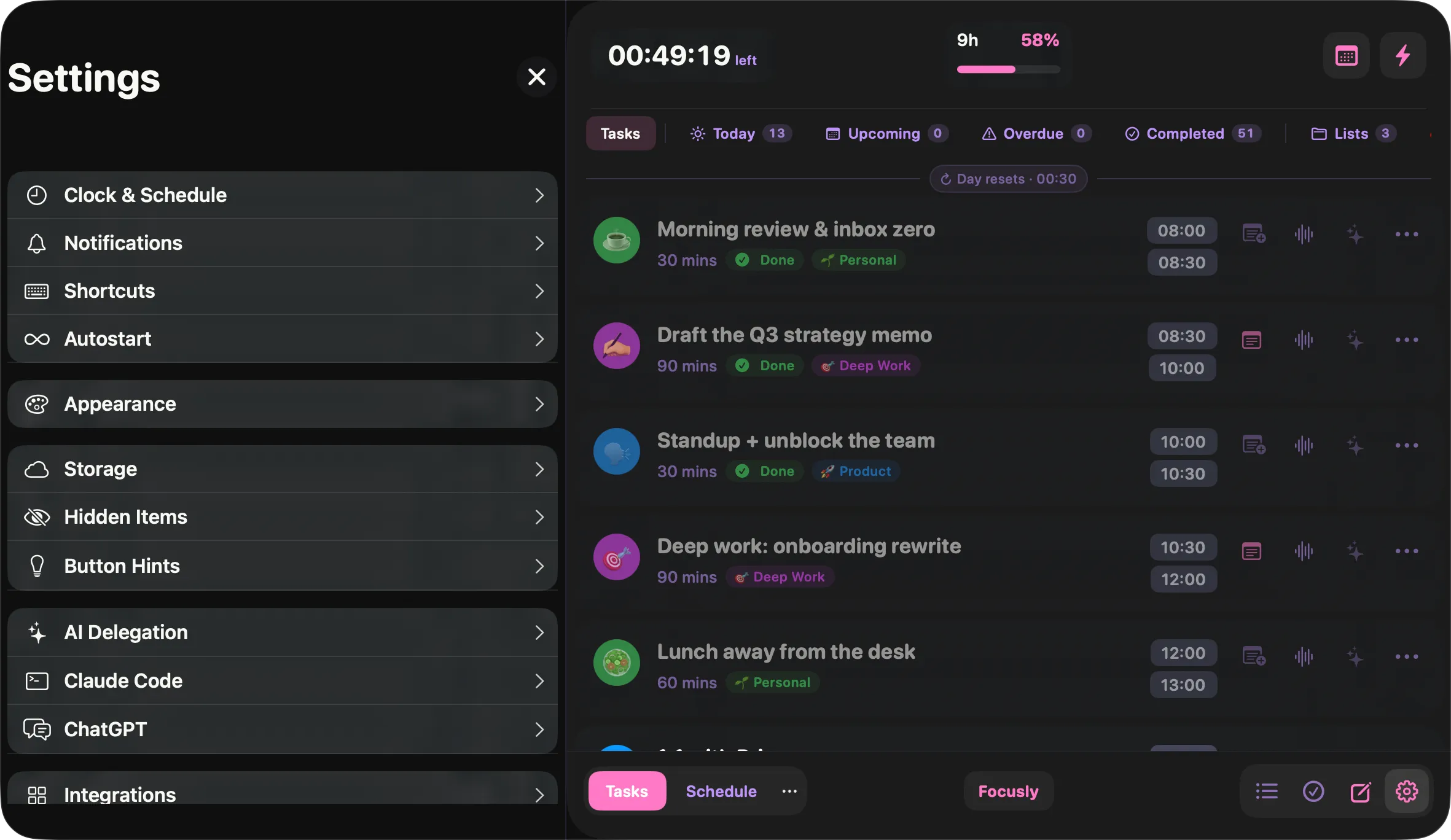
Set up once, then forget it
Clock, notifications, shortcuts, appearance, integrations — each on its own card so the settings never become a wall.